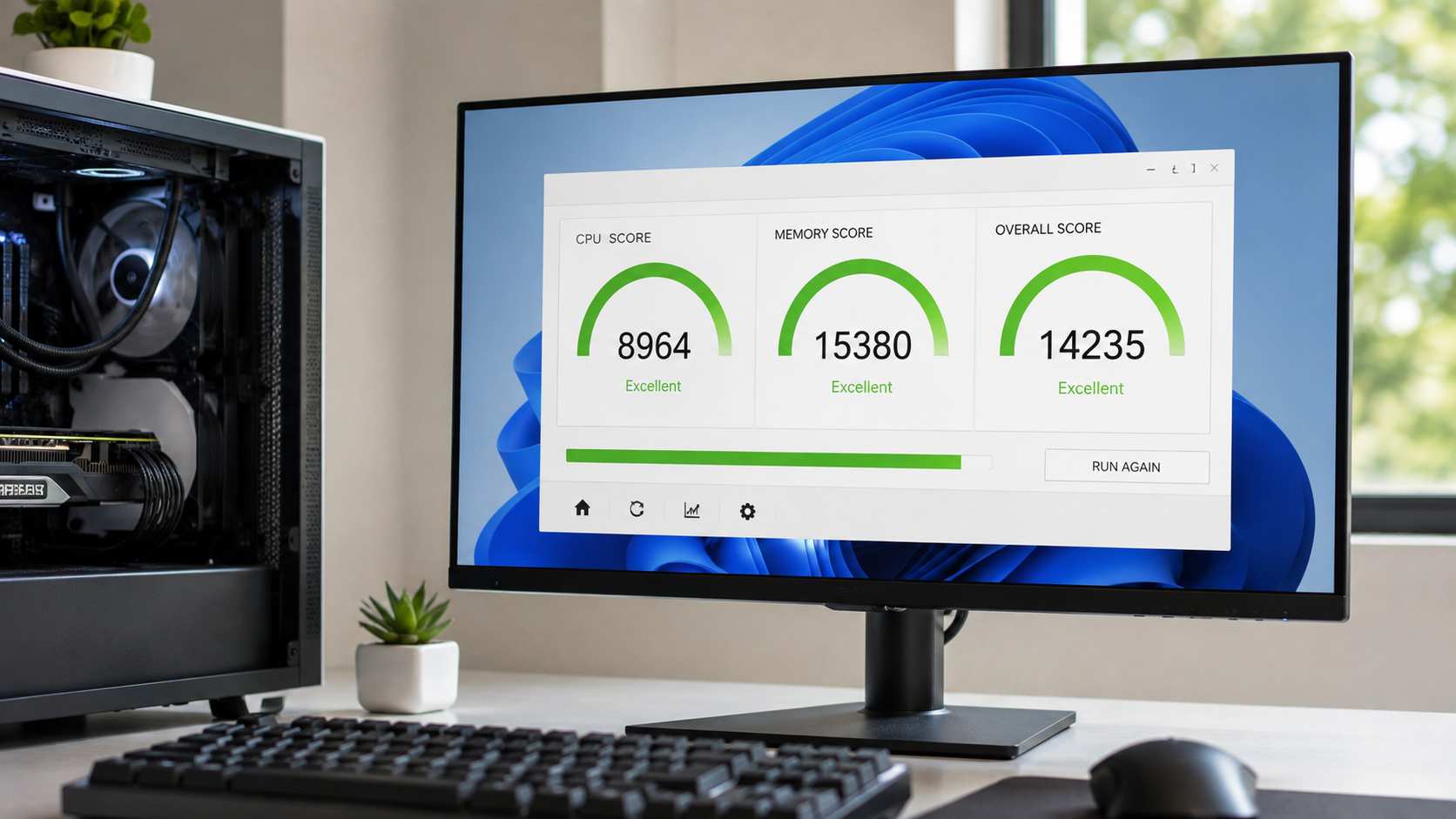
This is a genuinely useful symptom, because it eliminates most of the usual suspects in one go. If documents open promptly, File Explorer is responsive and programs stored on the machine launch normally, then the processor, the memory and the drive are all doing their jobs. Something in the chain between you and the website is not.
That chain has four links, and they can be tested separately.
First, confirm the machine really is fine
Close the browser entirely. Open a large folder of photos, launch a program that lives on the computer, and copy a big file from one folder to another. If all of that feels normal, the computer is not slow in any general sense, whatever the experience of using it suggests.
Link one: the browser itself
Browsers accumulate weight in a way nothing else on a computer does. Worth checking, in order:
- Extensions. The most common cause by far. Each one runs code on every page you visit, and forgotten coupon finders, shopping helpers and toolbars are frequently the whole problem. Disable them all, restart the browser, and if the speed returns, enable them one at a time.
- Open tabs. Each is a small program using memory. Thirty tabs on a machine with eight gigabytes is a self-inflicted slowdown.
- An out-of-date browser. Check for updates; they include real performance work.
- A bloated profile. Years of history, cookies and cached data can slow things down. Clearing cached images and files is safe; clearing passwords is not, unless you know they are saved elsewhere.
A quick test settles this: try a different browser. If Edge is fast where Chrome crawls, the browser is your answer and the connection is fine.
Link two: the connection between machine and router
If every browser is slow, test the connection from the machine itself using an online speed test. Then, and this matters, run the same test on a phone standing in the same room, on the same Wi-Fi.
- Phone fast, computer slow – the computer’s wireless adapter, its driver, or its position relative to the router.
- Both slow in that room, both fine next to the router – a Wi-Fi coverage problem rather than a computer problem.
- Both slow everywhere – the router or the broadband line.
If you can, plug the computer into the router with a network cable and repeat the test. A large improvement points squarely at the wireless link.
Link three: the broadband service
Compare the result with what you are paying for. Test at a quiet time and again in the evening, when contention is highest – a large gap between the two is a network capacity issue rather than anything at your end.
Also check nothing at home is consuming the whole line: a games console downloading an update, cloud backup running, or a television streaming in another room.
Link four: pages that are slow for everyone
Some websites are simply heavy. If one particular site crawls while everything else is quick, that site is the problem, and no amount of work on your machine will change it.
The odd case: fast download, slow pages
If a speed test reports good numbers but pages still take an age to begin loading, the delay is probably in name lookup rather than data transfer. Every address has to be translated into a number first, and a slow or failing lookup service adds a pause before anything appears – the page then loads quickly once it starts.
Changing to a well-known public lookup service in your network settings is a standard fix and is easily reversed.
Working through it
Test local files, then a second browser, then a phone in the same room, then a wired connection if one is possible. Four tests, ten minutes, and at the end you will know which link is failing rather than guessing at all four. It is worth resisting the urge to buy an extender or a new router before you have done them, because a browser extension costs nothing to remove.